
.gif)
-8.png)
When writers search for a "free AI book editor," they're usually hoping for a tool that reads their manuscript and tells them what's wrong.
What they usually get is a grammar checker.
That's not nothing. But grammar isn't why most books fail. Books fail because they don't hook readers right from the start, because the structure or plot doesn't work, the pacing drags, the characters don't hold up, or the ideas aren't convincing.
Fixing comma splices won't save a broken structure.
Are there free AI book editors that actually help you write a better book (not just an error free book)? The short answer is "sort of." The long answer is that you should read on!
This roundup covers the best free AI tools for editing books, what each one actually does, where it falls short, and which one comes closest to real editorial feedback.
Hint: there are only two that we actually recommend!
About Me and How I Use These Tools
But first, here's a bit about me so you can decide if I know what I'm talking about or not.
If we haven't met, I'm Joe Bunting, a bestselling author, founder of The Write Practice, and chief evangelist of Twig. I've been writing books professionally since 2010, and since then, I've written or coached books published by Penguin Random House, Hachette, Harper Collins, and more. One even hit the Wall Street Journal bestsellers list.
I've also used most of the tools on the list below at various points in my writing for over a decade (yes, AI tools have been around for almost a decade, even if they've gotten much better over the last couple of years!).
Which is all to say, I'm familiar with these tools and I know how they can help writers (and where they fall short).
Full transparency: We built one of the tools below (Twig!), so we have strong feelings about this topic. That being said, it doesn't affect our review or your experience.
Two Types of Editing (And Which These Tools Cover)
Before we dive in, we need to make a quick distinction, because there are two types of editing:
Line editing. Grammar, typos, style, readability, sentence-level polish. Most free tools live here.
Developmental editing. Big-picture feedback on plot, character, pacing, structure. Almost no free tools touch this. Almost.
Top 6 Free AI Book Editors
There are always trade-offs when it comes to free tools, so in our reviews below, we'll talk about what's free, what it does well, where it falls short, and who it's best for, as well as the pricing for the "full" experience.
1. Twig Chapter Roast (Free)
Twig is a virtual dev editing tool that analyses your manuscript (novel, nonfiction book, memoir, or short story) and gives you feedback on how to get it publish-ready.
It also has a free chapter roast, a funny, slightly mean dev edit of up to 5,000 words, to preview the full experience.
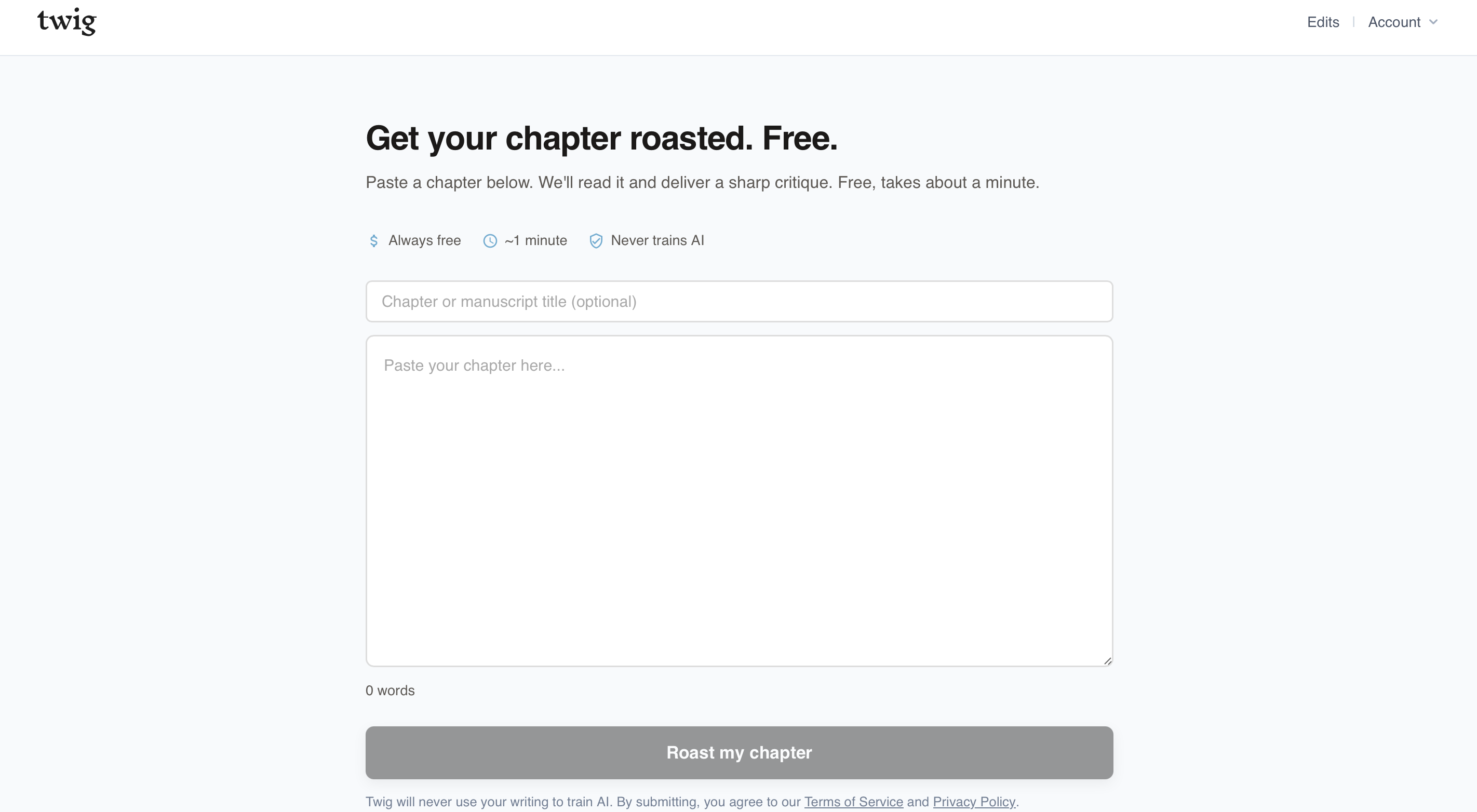
What's free: Submit one chapter and get a roast, a funny, slightly mean AI dev edit that focuses on three things you're doing well and one thing that needs work.
What it does well: This is the only tool on this list purpose-built for developmental feedback on a book chapter. You get structured critique on character, conflict, pacing, voice, and what's working vs. what isn't. It also will never train AI on your writing, unlike other free AI tools.
Where it falls short: It's one chapter. For full-manuscript dev edit, you need Twig's paid process (~$150 for a 50k-word manuscript).
Best for: Writers who want to know if their chapter actually works before committing to a full revision, or before paying for a full edit. It also works great for short stories!
2. Claude vs. ChatGPT (Free Tiers)
Both Claude (Anthropic) and ChatGPT (OpenAI) offer free tiers that can give you manuscript feedback, if you know how to prompt them.
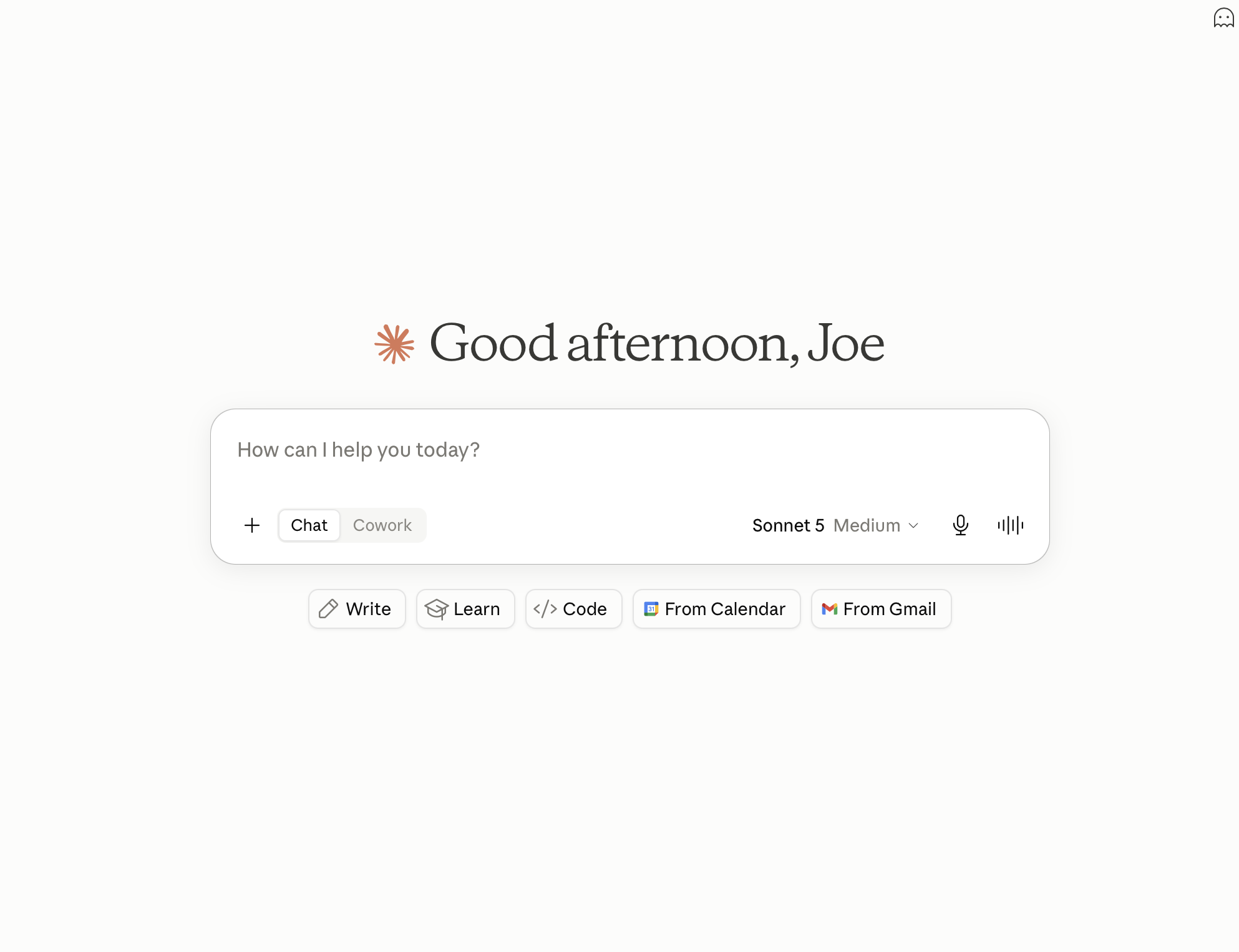
What's free: ChatGPT: GPT-4o access on the free tier (with usage limits). Claude: Claude Sonnet access on the free tier (with usage limits).
What they do well: With a good prompt, both can give surprisingly useful developmental feedback, pointing out plot holes, weak character motivation, pacing issues. Claude tends to give more nuanced literary feedback, and is our preferred AI model for dev editing.
Sample prompt to try: "You are a developmental editor. Read the following chapter and give me feedback on: (1) character motivation and consistency, (2) pacing, (3) tension and conflict, (4) anything that confused you as a reader. Be specific and critical."
Where they fall short: A few things worth knowing before you paste your manuscript into a chat window:
Authors should have a legitimate concern about data privacy. On the free tiers, OpenAI and Anthropic are able to use conversations from free accounts to train future models. So if you're uncomfortable with your writing potentially becoming training data, that's worth factoring in, or opt for a paid plan, which allows you to opt out of training.
Also, on the free tier, you're not getting the best model. Both companies reserve their most capable models for paid subscribers — what's free is a step down in reasoning quality, which matters for nuanced literary feedback.
Neither platform was built for manuscript editing. There's no structured report, usually no full manuscript upload because of context window limits, and the quality of feedback depends entirely on how well you prompt.
Claude vs. ChatGPT for manuscript feedback: Claude handles longer text better and tends to give more specific, craft-aware feedback. ChatGPT is more widely used so there's more prompt guidance online. For fiction editing specifically, Claude has a slight edge — but both are useful.
Best for: Writers comfortable with AI prompting who want free developmental feedback on individual scenes or chapters, and who aren't concerned about data privacy on free tiers.
3. AutoCrit (Free Forever Plan)
AutoCrit is a grammar and style checker built specifically for creative writers. We tend to prefer ProWritingAid over AutoCrit (our #4 pick), but for the free plan specifically, AutoCrit is much better since they have no word count limit.
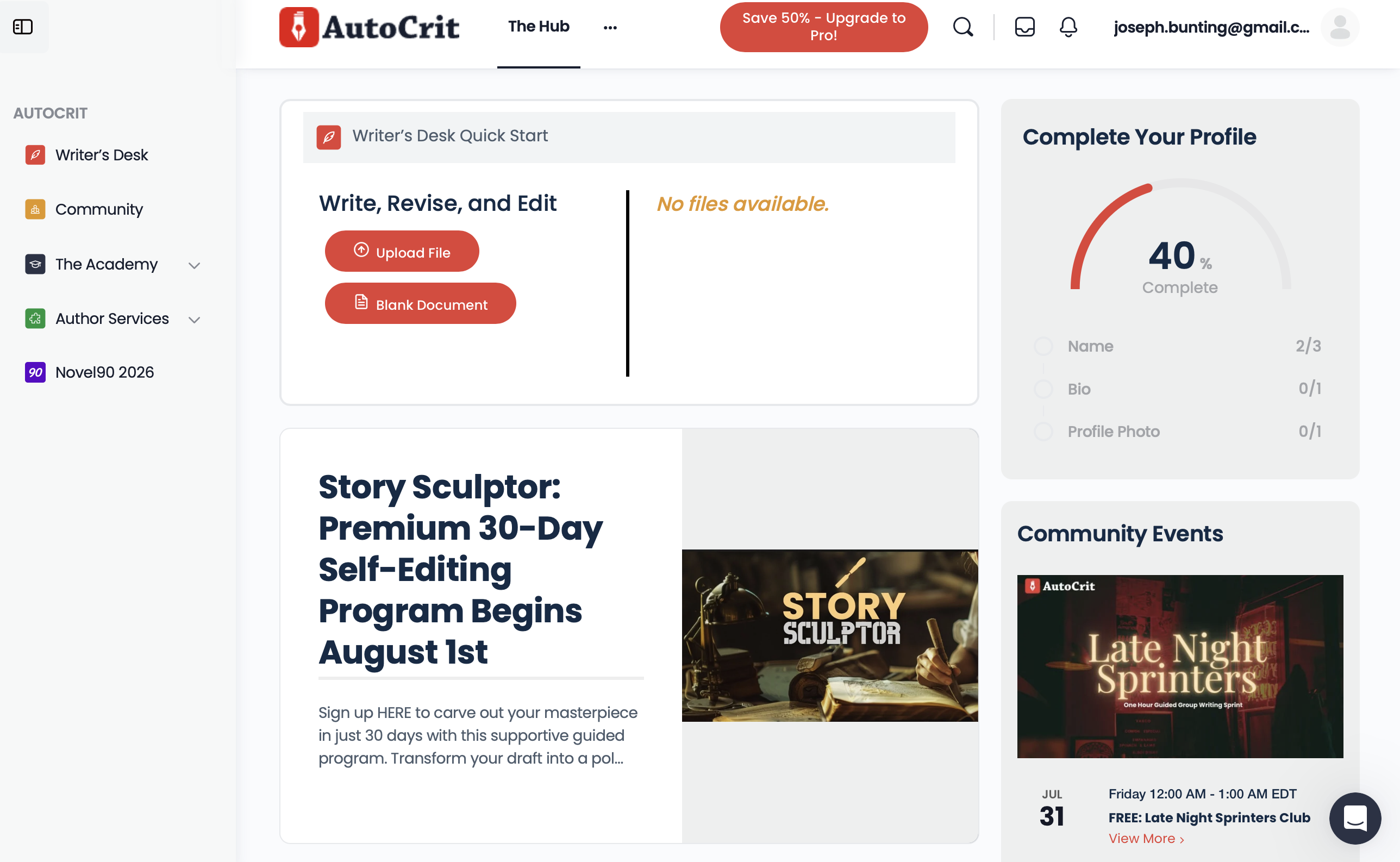
What's free: Spelling and grammar check, plus interactive tools for adverbs, word choice, and readability. No word count limit, you can run your full manuscript, not just excerpts.
What it does well: Designed specifically for creative writers, with guidance based on genre-specific publishing standards. The adverb and word choice tools are more creative writing aware than a standard grammar checker.
Where it falls short: The free plan doesn't include repetition analysis, the summary report, pacing, dialogue tools, or any of their LLM-powered features (Story Analyzer+, Inspiration Studio, AI beta readers).
Best for: Writers who want a no-limit grammar and style check built for fiction, without paying for the full suite.
4. ProWritingAid (Free Tier)
ProWritingAid is a grammar and style checker built specifically for creative writers, but over the last few years, they've been adding dev edit features to give writers more information about their manuscripts (see our full review here).
Unfortunately none of the dev edit features are available on the free plan, and the free tier comes with a hard 500-word cap per check, which makes it impractical for full manuscript review. If you're staying free, AutoCrit is the better pick. But if you're willing to pay, ProWritingAid can be a great tool.
What's free: Access to their web editor with grammar, style, and readability reports. Free accounts are limited to 500 words per check and don't include the full suite of reports.
What it does well: Catches typos and errors, overused words, passive voice, sentence length variation, and readability issues. More creative writing focused than Grammarly, it understands fiction conventions like dialogue tags.
Where it falls short: The 500-word cap makes it impractical for full manuscript review. You'll need to paste chapter by chapter (or upgrade).
Best for: Writers willing to pay for the full suite. For the free tier, AutoCrit is the stronger option.
5. Hemingway Editor (Free Web Version)
Hemingway is a style checking tool that emphasizes clean, simple, direct writing. You can read our full review here.

What's free: The full web app at hemingwayapp.com, no word limit.
What it does well: Color-coded highlights for hard-to-read sentences, passive voice, adverbs, and words with simpler alternatives. Gives you a readability grade level.
Where it falls short: No feedback on story, purely mechanical sentence analysis. It also flags Hemingway's own prose as too complex with too many adverbs, so take the feedback with a grain of salt.
Best for: Quick readability checks and cutting wordiness before submission.
6. Grammarly (Free Tier)
Grammarly is the most popular spelling, grammar, and style checker on the market.
What's free: Grammar, spelling, punctuation, and basic clarity suggestions. Available as a browser extension, desktop app, or web editor. No word count limit.
What it does well: Fast and works everywhere. The browser extension means you can use it in Google Docs and email.
Where it falls short: Not built for fiction. It will flag intentional stylistic choices (fragments, unconventional punctuation) as errors. The free tier also includes 100 AI prompts/month for text generation, but the other features — sentence rewrites, tone adjustment, fluency suggestions — are Pro only. Personally, I think these kind of rewrite features aren't a great fit in a grammar/style checker, but if you're interested in that kind of inline writing support, this could work for you.
Best for: Catching typos and grammar errors before submission. Not for prose style or story feedback.
Which One Should You Use?
For grammar and style help, AutoCrit's free plan is our pick for most creative writers. No word count limit, built for fiction, and free without a catch.
For actual developmental feedback on your chapter — the kind that tells you whether the story is working — Twig's Chapter Roast is the only free tool built for that job.
The others we'd steer you away from, at least for the free tier:
Claude and ChatGPT: useful, but your unpublished writing isn't protected on the free plan — both companies can use it to train future models.
ProWritingAid: great paid tool, but the free tier's 500-word cap makes it nearly useless for book-length work.
Grammarly: not built for creative writers. It treats intentional style choices as errors.
We'd love for you to give Twig's Chapter Roast a try for free and let us know what you think!

-5.png)
-3.png)
.png)